Pair a screen with a short code, see whether it is online, and control it from anywhere. DisplayNyx keeps the whole fleet visible without a site visit.
Each screen gets a pairing code. Enter it in the player app and the screen appears in your dashboard, ready to be assigned content.
Online or offline, last heartbeat, and device health metrics for each screen, plus alerts when something needs attention.
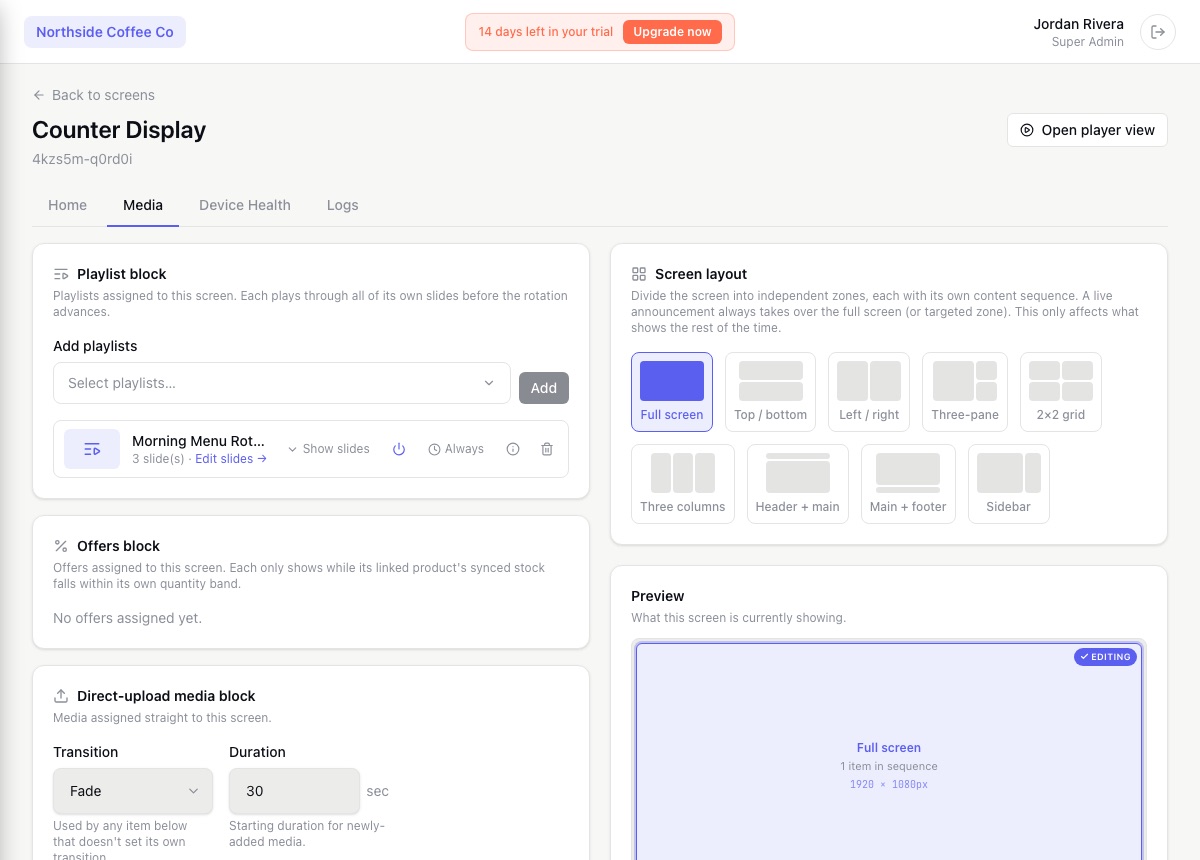
Reload content, clear the cache, relaunch the app, restart the device, or sign a player out from the dashboard instead of visiting the screen.
Label screens, group them into video walls, and filter by location, status, or label to find the right screens quickly.
From the first pairing to the hundredth screen.
Real screenshots from the DisplayNyx dashboard: upload, build a playlist, assign it to a screen, add live widgets.
Register the screen in the dashboard, then enter its pairing code in the player app on the device. The screen connects and starts playing whatever you assign to it.
Yes. The dashboard shows each screen's status and health, and you can open a browser preview or the location's Media tab to see what it is playing.
Yes. A screen can be paired to several locations, and content can be published to all of them or to specific ones.
Set when each item plays once and let the screen handle the rest: breakfast menus until 11, a weekend promo that ends Sunday night, a different schedule for each store in its own timezone.
Type a message and have it displayed and read aloud, or speak live into your microphone. Announcements take over the screens you choose and hand back to normal content when they end.

When a department moves or a corridor closes, update the directions on every relevant screen at once instead of reprinting and replacing signs. Templates make the layout quick to build.
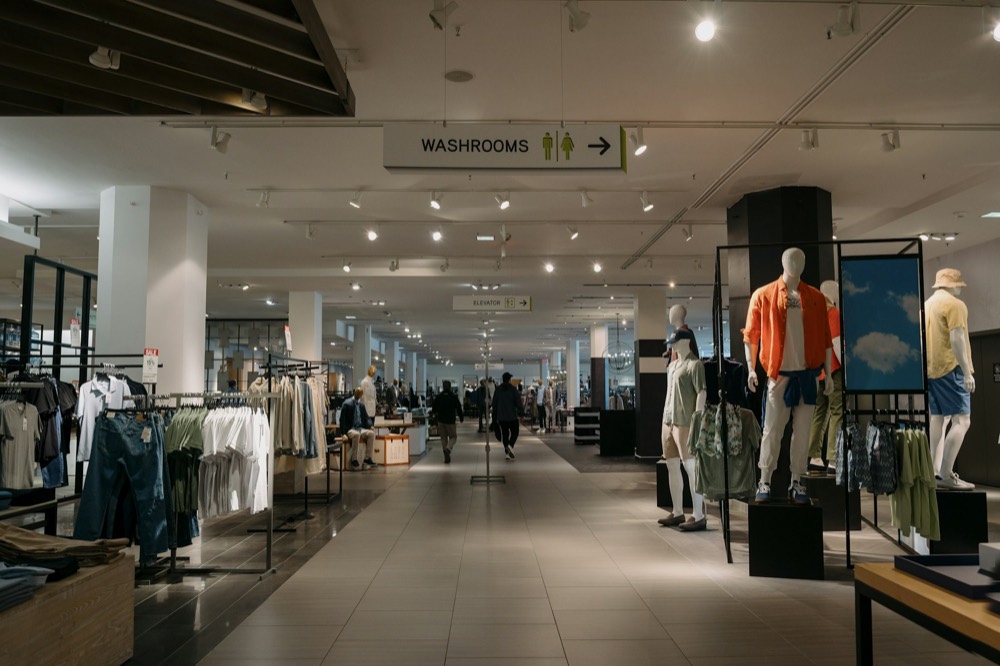
Build the offer from a template or an AI-generated image, schedule when it runs, and publish it to every store or just the ones running the deal.

Post a wait time or call the next person on the waiting-room screen, then let regular content resume. DisplayNyx is the display layer for the queue: the message you post is what people see, in seconds.

When something urgent happens, take over the screens you choose with a clear message in seconds, optionally read aloud, and return to normal content when it is over.
See every solution · Using another platform today? Compare DisplayNyx with the alternatives
Start your 7-day trial. No credit card, no commitment.
