Post a wait time or call the next person on the waiting-room screen, then let regular content resume. DisplayNyx is the display layer for the queue: the message you post is what people see, in seconds.

Post the call as a live announcement that takes over the screen, optionally read aloud, then hands back to normal content.
Update a wait-time slide the moment it changes so waiting rooms never show a number from this morning.
Between calls, play service information, care tips, or seasonal offers scheduled to change without touching the front desk.
Each waiting room or location shows its own queue message, so a call at one clinic never appears at another.
A clear boundary so you know what to expect.
Real screenshots from the DisplayNyx dashboard: upload, build a playlist, assign it to a screen, add live widgets.
No. DisplayNyx does not issue tickets or track a queue automatically. It is the screen side: you post queue calls and wait times, and they appear instantly on the waiting-room displays.
Yes. Announcements can be read aloud with text-to-speech if the device connected to the screen has audio output.
Clinics, dental and veterinary practices, pharmacies, and service counters. See the healthcare and dental and veterinary pages.
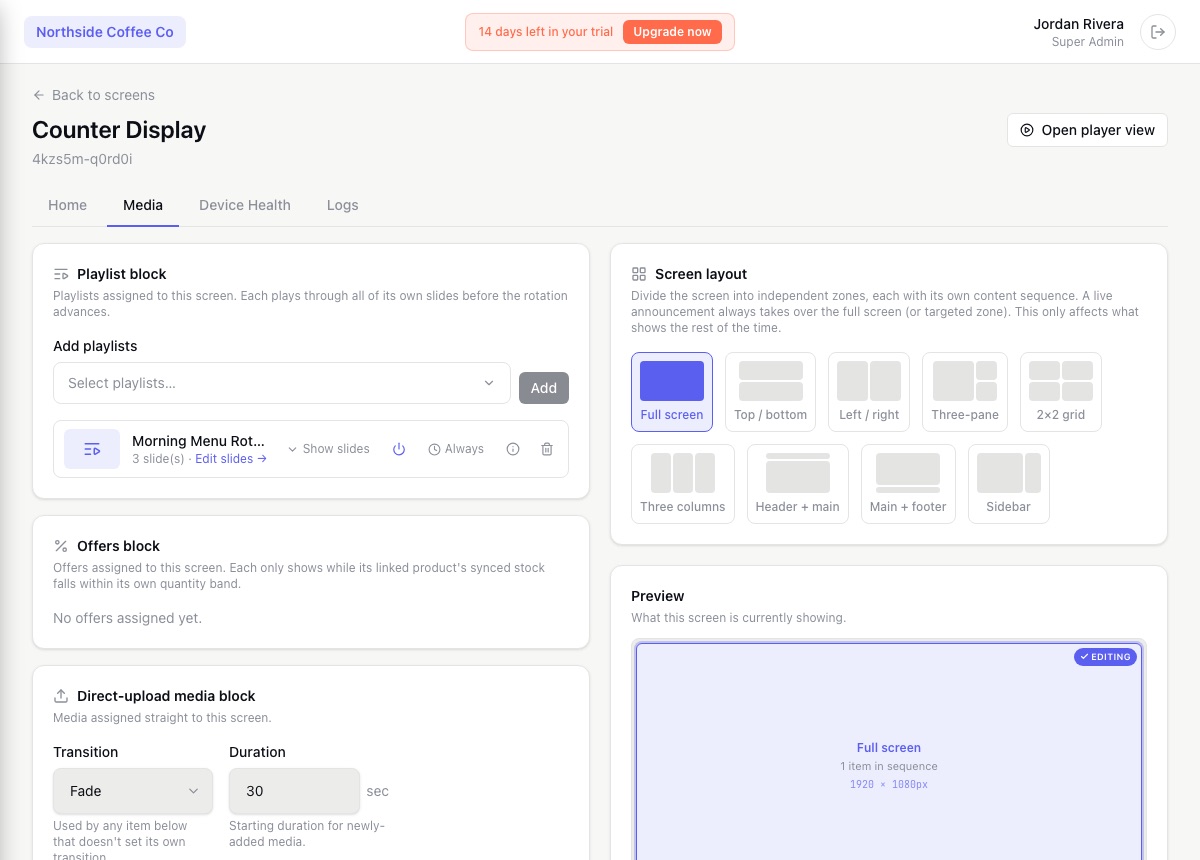
Set when each item plays once and let the screen handle the rest: breakfast menus until 11, a weekend promo that ends Sunday night, a different schedule for each store in its own timezone.
Pair a screen with a short code, see whether it is online, and control it from anywhere. DisplayNyx keeps the whole fleet visible without a site visit.
Type a message and have it displayed and read aloud, or speak live into your microphone. Announcements take over the screens you choose and hand back to normal content when they end.

When a department moves or a corridor closes, update the directions on every relevant screen at once instead of reprinting and replacing signs. Templates make the layout quick to build.
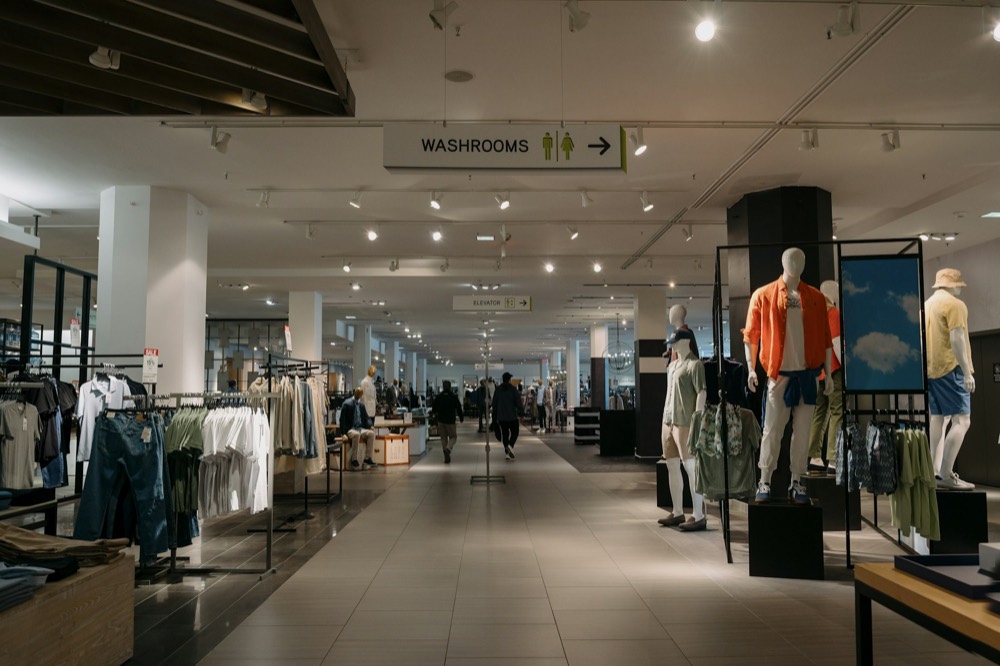
Build the offer from a template or an AI-generated image, schedule when it runs, and publish it to every store or just the ones running the deal.

When something urgent happens, take over the screens you choose with a clear message in seconds, optionally read aloud, and return to normal content when it is over.
See every solution · Using another platform today? Compare DisplayNyx with the alternatives
Start your 7-day trial. No credit card, no commitment.
