The calm, always-on nervous system for your screens. DisplayNyx is a digital signage platform for managing menus, offers, and campaigns on every screen from one dashboard, with AI-generated content that goes live in seconds, not minutes.
7-day trial · No credit card required
From a single storefront to a franchise network, DisplayNyx handles content, scheduling, and rollout without needing a design degree.
Drop in images and videos, tag and organize your library, and reuse content across any screen.
Full control over what plays on which screen zone, in which location, at what time, with a weekly heatmap and month calendar that flag every gap in your coverage.
Switch captions on for any video on a screen. Generate them from the audio with your own AI key or upload a WebVTT/SRT file, and they follow the video in sync, even in a silent room.
Group 2 to 64 screens into one big display that plays in sync, with the picture carried on behind each screen's frame so lines stay straight across every seam.
Menu boards, offers, welcome screens, and wayfinding: customize the text like a form, then use the finished image anywhere.
Generate on-brand imagery with your own AI provider key. DisplayNyx never marks up or bills for usage.
Change a price or swap an offer and every screen updates in seconds over a live connection, not a five-minute poll.
Take over any screen instantly with a styled announcement, an uploaded audio clip, or a full-screen video: read text aloud with text-to-speech, or broadcast your own live voice straight to its speaker.
Write in any language, right-to-left scripts included, and have it read aloud with a matching voice, down to which screens, and which specific stores, actually get the audio.
Loop a track under any screen with its own volume and speed at each location. It pauses automatically whenever a video with sound plays, and picks back up right after.
Group screens by store and label, and give each team member exactly the access they need, down to who can post an announcement.
Run more than one franchise brand, hospital network, or business unit? Give each its own organization, with its own screens, stores, and team, all under one account and one login.
Turn on review for anyone outside your trusted admins, and their uploads stay off-screen until approved. Every add, edit, and delete is logged, so you always know who changed what.
Get emailed the moment a screen goes offline or has nothing to show, and set your own thresholds so a brief blip never pages anyone.
Not just wall-mounted TVs: the player runs on Android tablets too, for table-side, counter, and self-serve menus that update the instant a price or item does.
Digital signage scheduling that goes all the way down. Decide what shows in every zone of every screen, at every store, for every hour of the week, and keep track of the gaps in your coverage so a screen never falls back to a blank image.
Four dials, one schedule
Scheduling that matches how signage is really run, not one playlist per screen.
Give every zone of a multi-zone layout its own sequence: menu on the left, offers top right, a live clock below.
Publish an item to every store, or only the ones you pick. Each window can even target different locations.
Weekly repeat windows and start/end dates, in each location's own time zone. Breakfast ends itself at 11.
A weekly heatmap and month calendar show every hour with nothing scheduled, before a blank screen finds it for you.
Add a video to a screen and turn on captions right on the video. The spoken words appear as a clear caption line that follows the video exactly, so your message lands even when the room is silent, noisy, or full of people who speak another language.
Turn a video's soundtrack into captions with speech-to-text, using your own AI provider key. Pick the spoken language or let it auto-detect.
Upload a WebVTT or SRT caption file for exact wording, longer videos, or captions your team already wrote.
Waiting rooms, storefronts, gyms, and lobbies usually run muted. Captions keep the message readable without a speaker.
Switch captions on for the screens and zones that need them, and leave them off everywhere else. It is one option on the video.
From the software and CMS to the player app and fleet management, with the AI and multi-location tools that set DisplayNyx apart.
Content, scheduling, video walls, and live updates in one platform.
Media library, templates, playlists, approvals, and an audit trail.
A kiosk app for Windows, macOS, and Linux with offline playback.
Generate promo images and menu artwork, then publish them live.
Health monitoring, alerts, remote actions, and roles across every site.
Publish to all locations or specific ones from a single library.
Also see all solutions, digital signage by industry, software alternatives, and the what is digital signage guide.
Real screens, real screenshots: here's how content actually gets on-screen, from upload to playlist to live widget.
Restaurants and retail shops were just the start. DisplayNyx runs the same instant-update engine behind hospital wayfinding, pharmacy counters, and the TV in your vet's lobby.
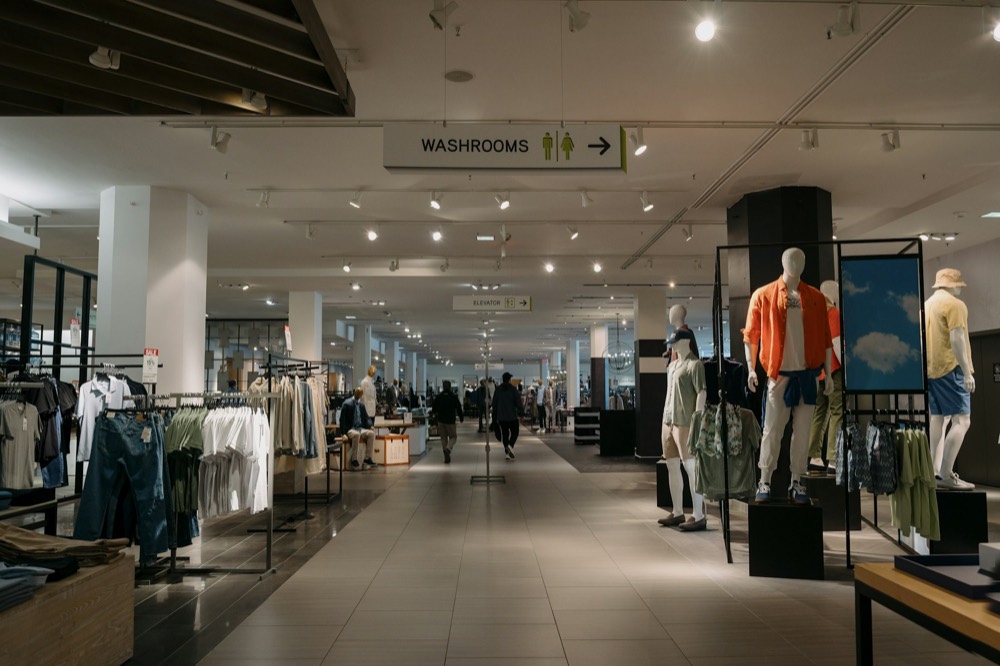
Promotions, new arrivals, and wayfinding that turn browsers into buyers.
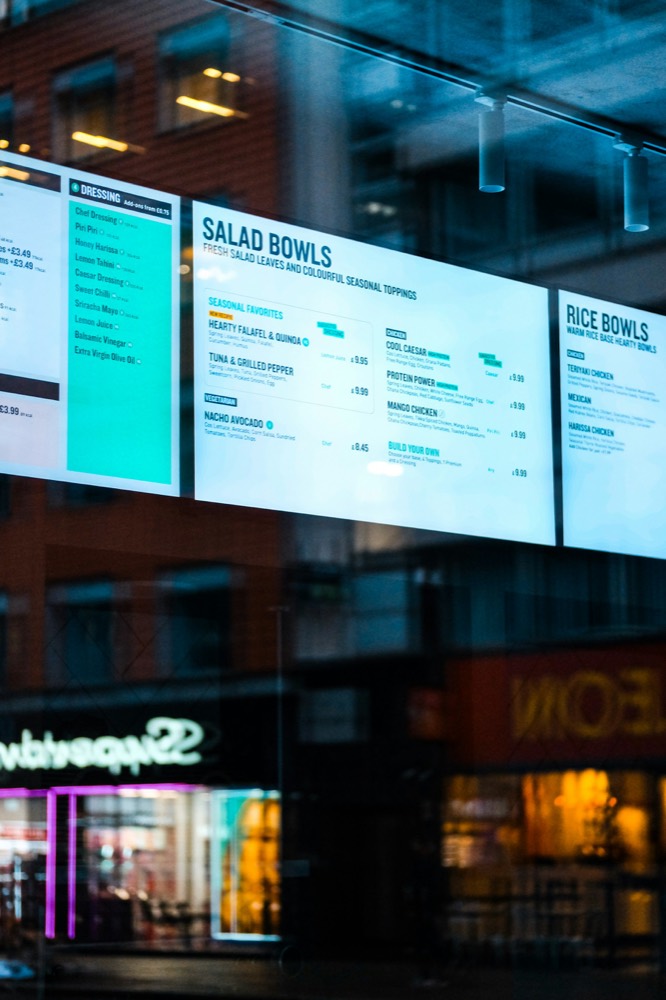
Menu boards and daily specials that update the second a price changes.
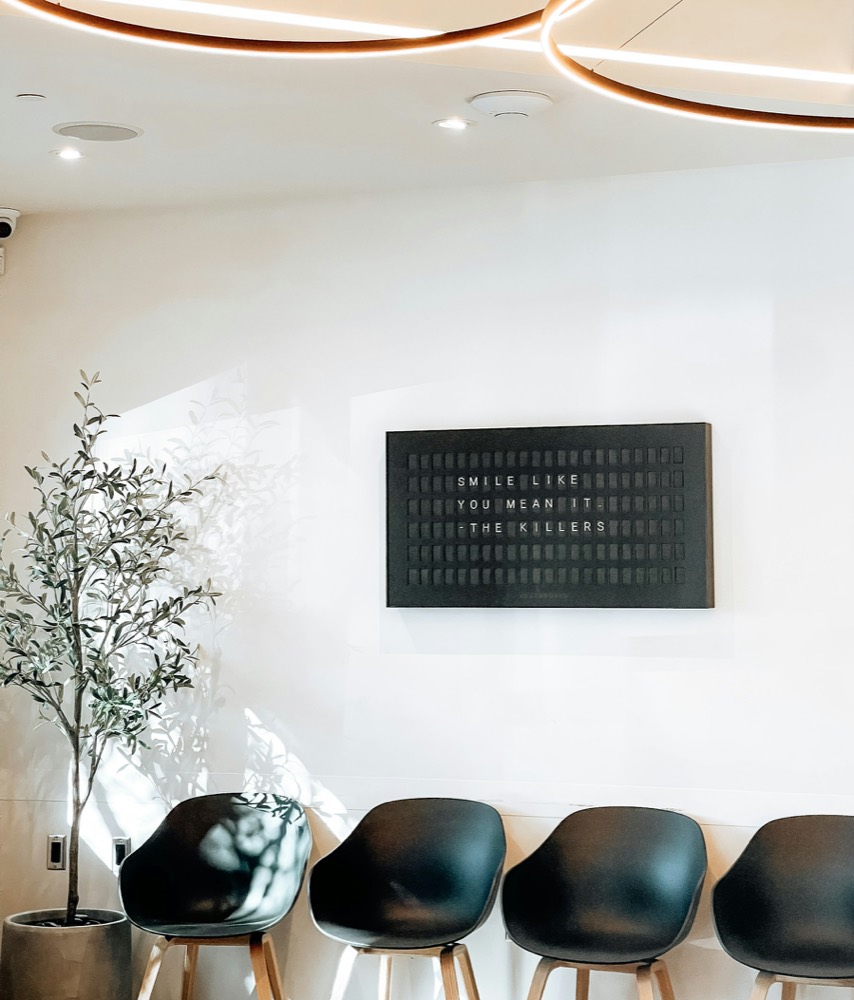
Calm, patient-facing updates instead of taped-up paper signs.

Time-sensitive notices posted the instant they matter.

Queue calls and easygoing promo content to fill the wait.
Campus wayfinding, event schedules, and emergency alerts that reach every hallway screen instantly.

Service times, sermon notes, and announcements ready the moment the doors open.

Class schedules, challenge boards, and motivational content that update as fast as your roster does.
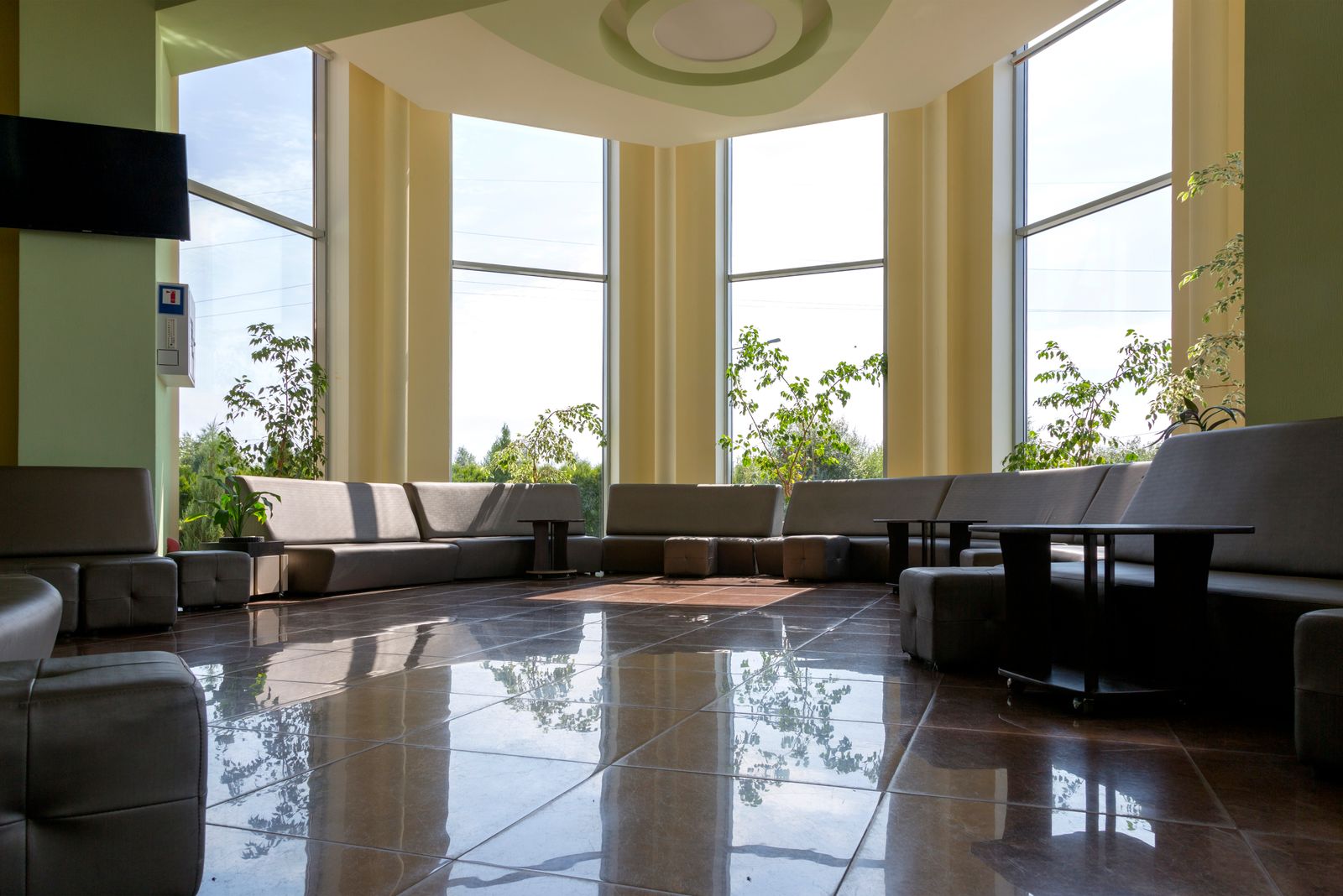
Queue calls, public notices, and wait times that keep waiting rooms informed and calm.
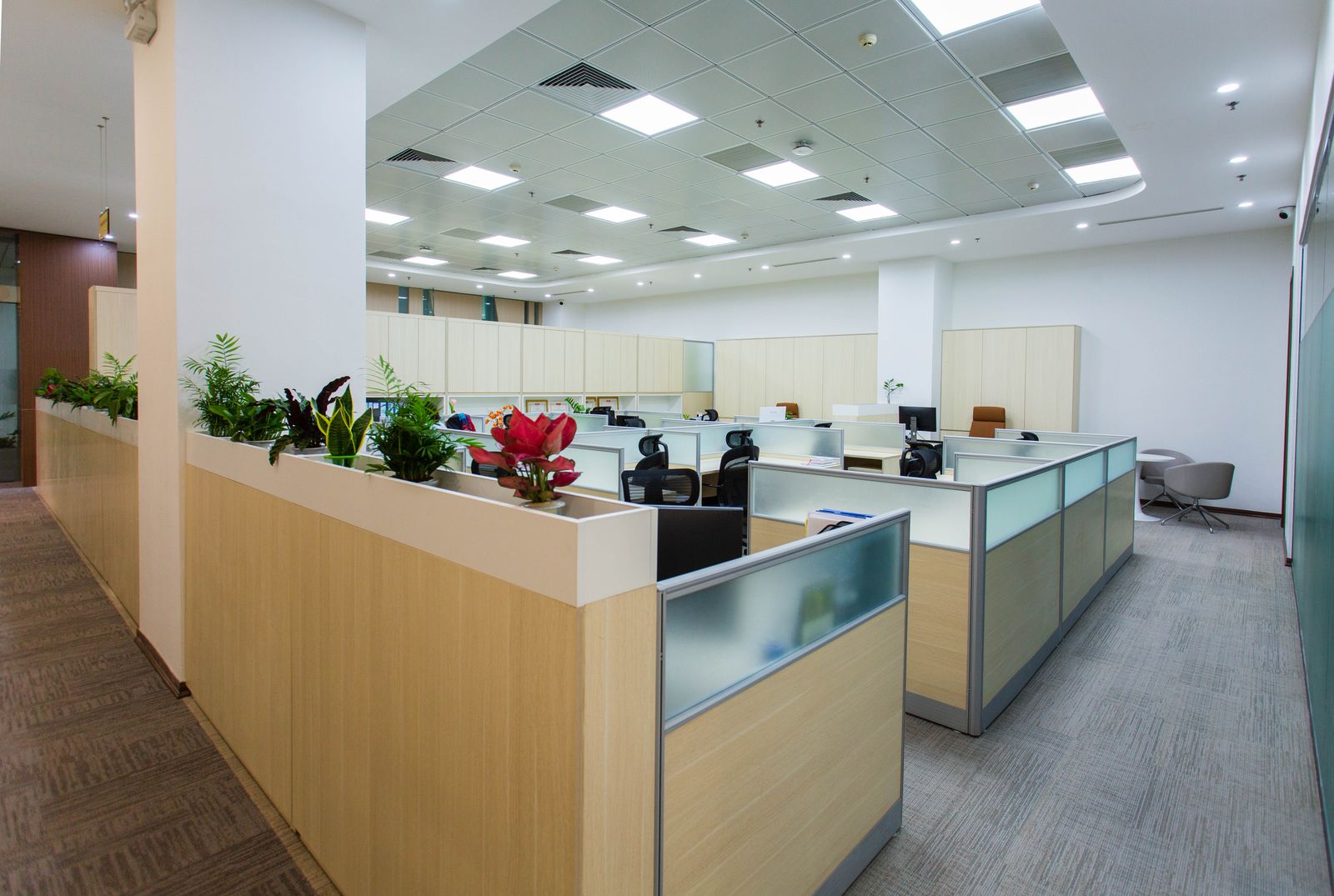
Company news, KPIs, and team shout-outs pushed to every office screen at once.
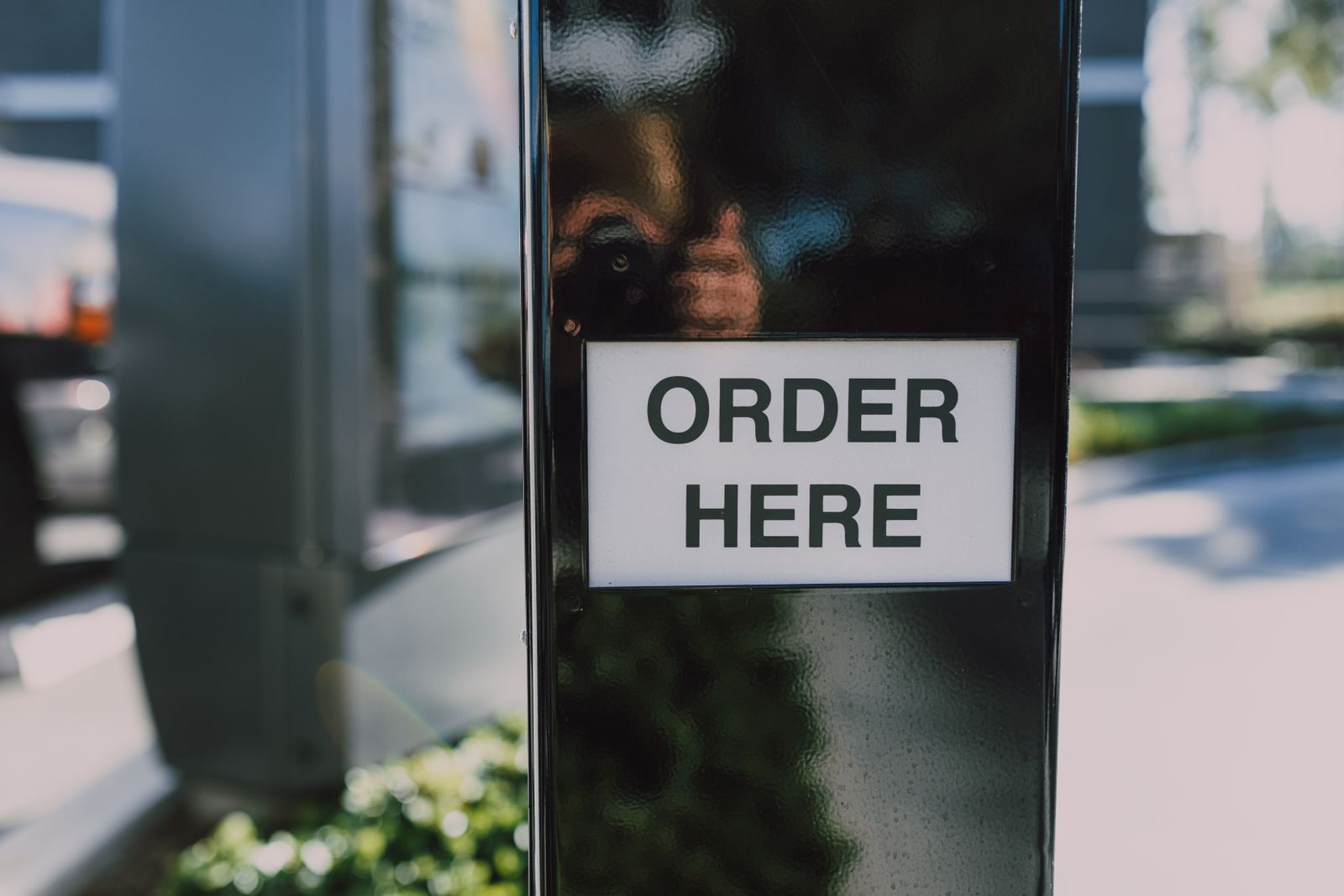
Combo boards and drive-thru menus that switch price and promo the instant you do.

Session schedules, sponsor rotations, and wayfinding that update as the day actually runs.
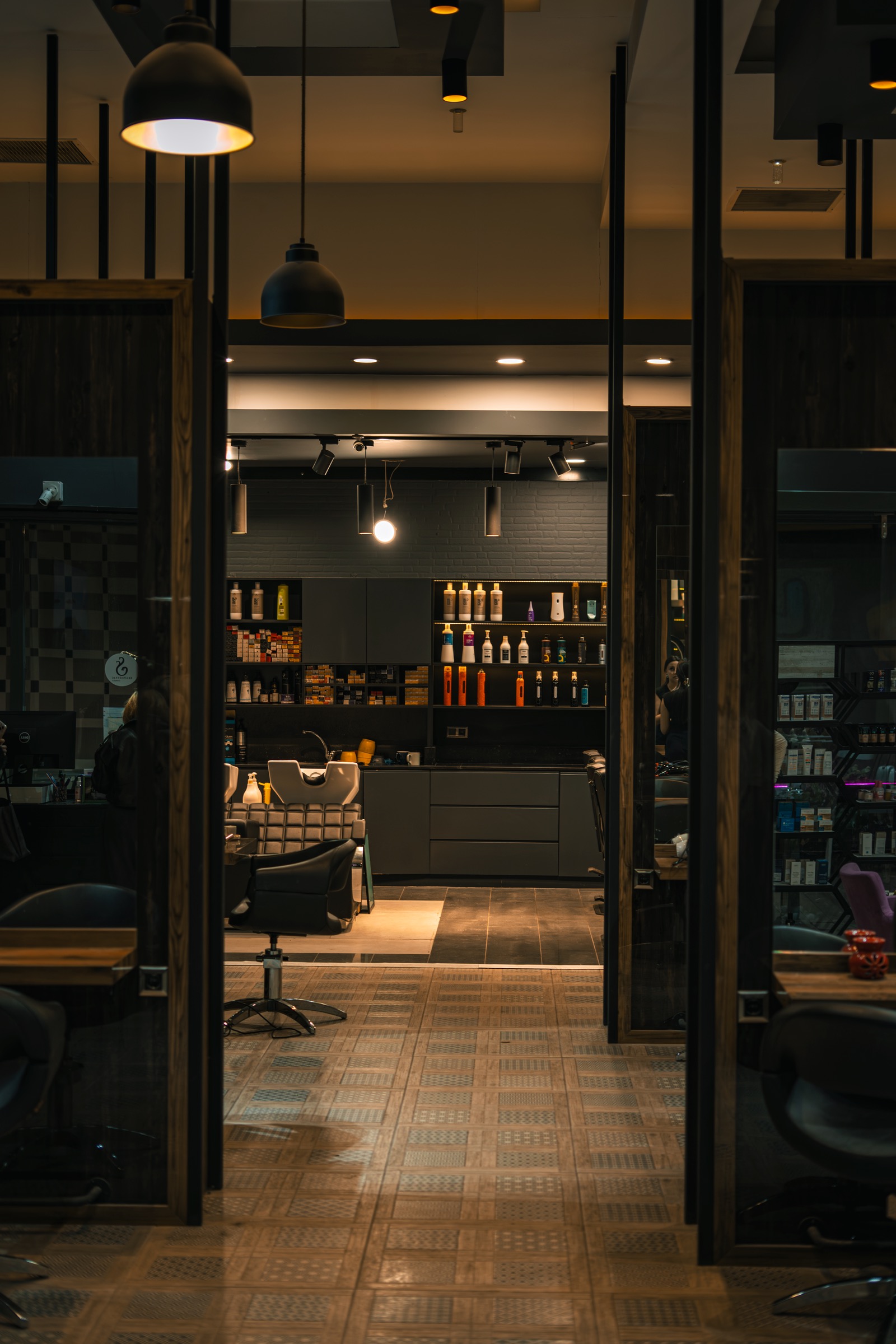
Service menus, stylist availability, and seasonal promos that change without a reprint.
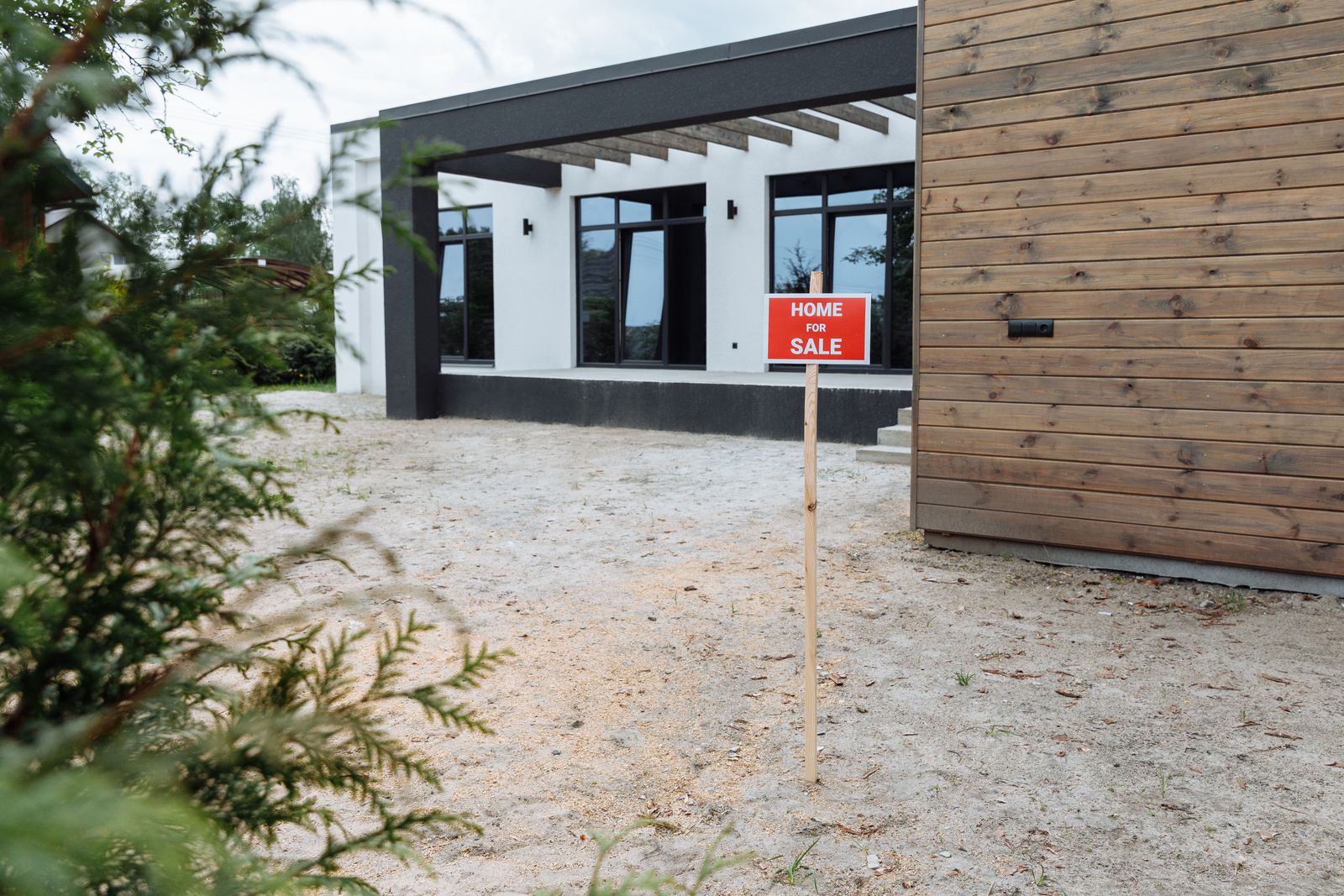
Listings, open-house schedules, and neighborhood highlights refreshed the moment a property moves.
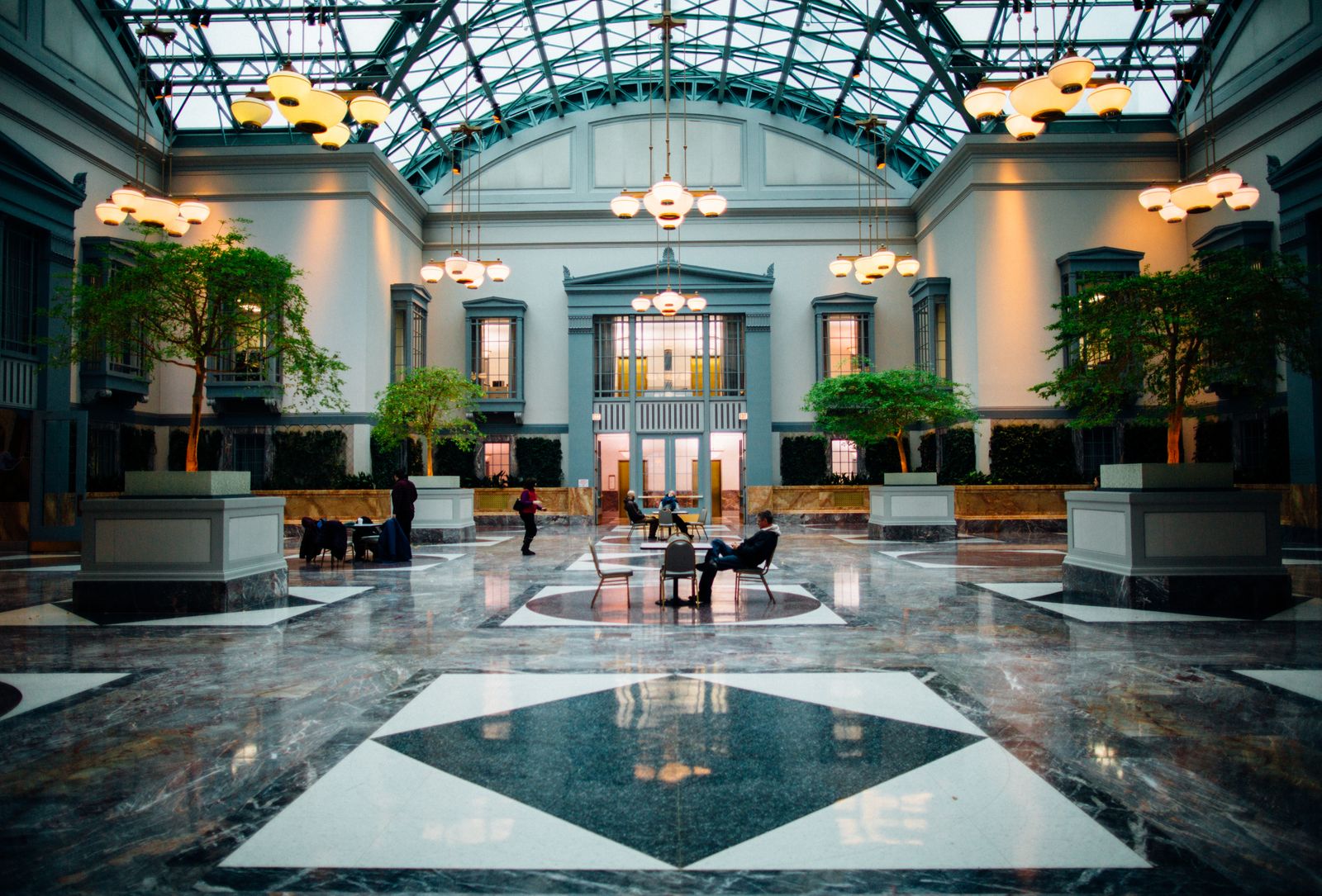
Lobby welcomes, event boards, and wayfinding that make every guest feel expected.
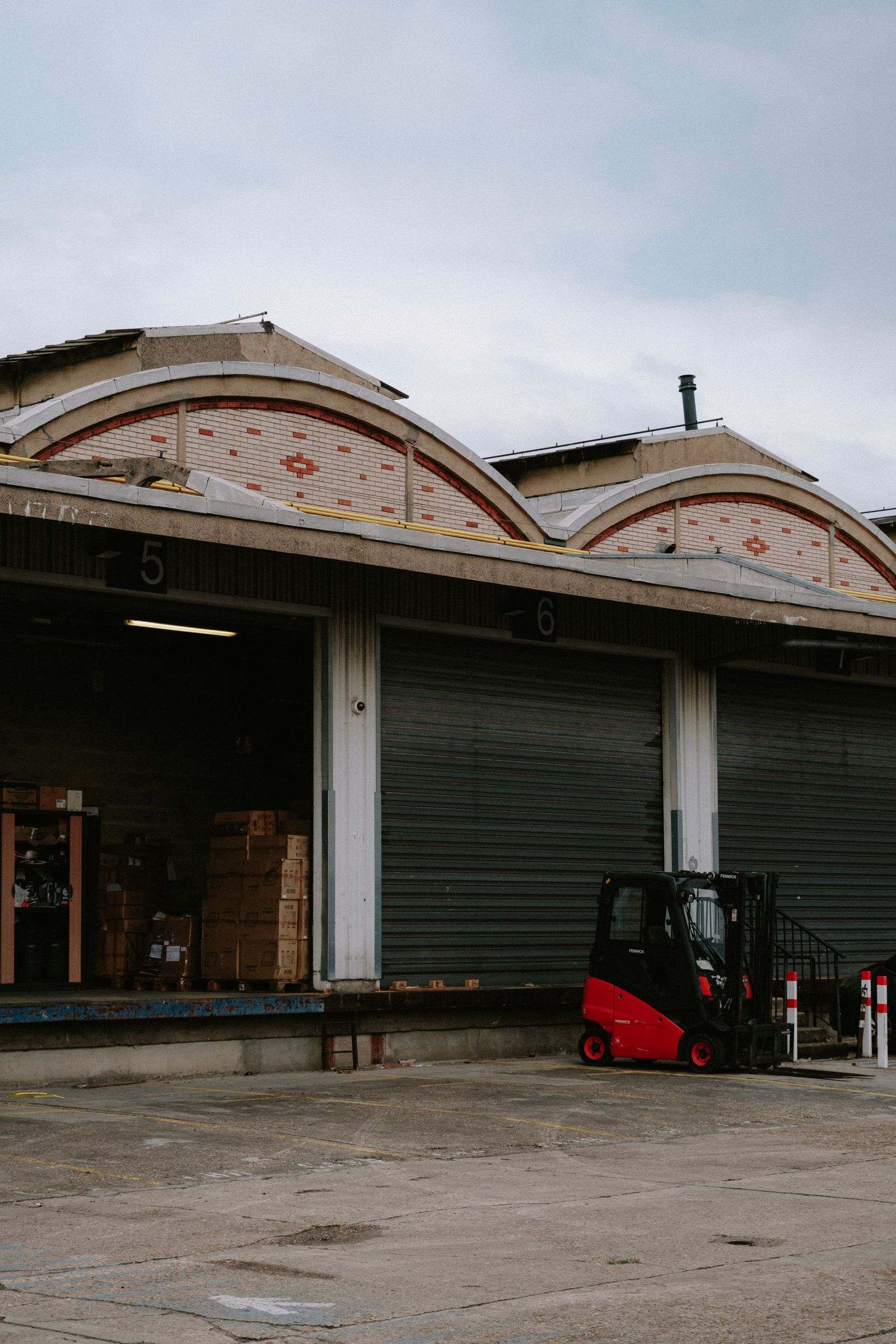
Dock schedules, load statuses, and safety alerts visible the second they change.
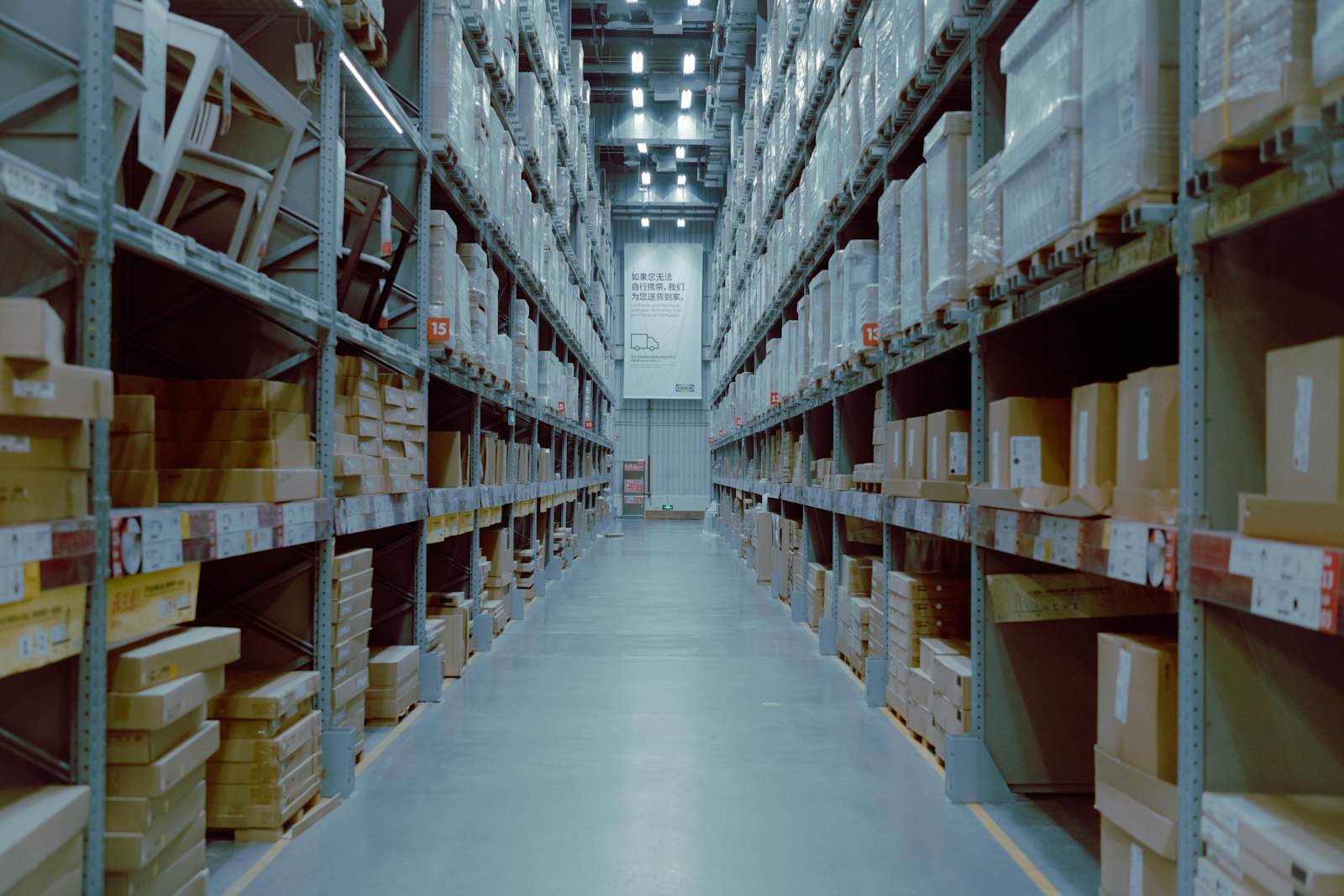
Dock boards, shift targets, and safety alerts on every screen across the warehouse floor.
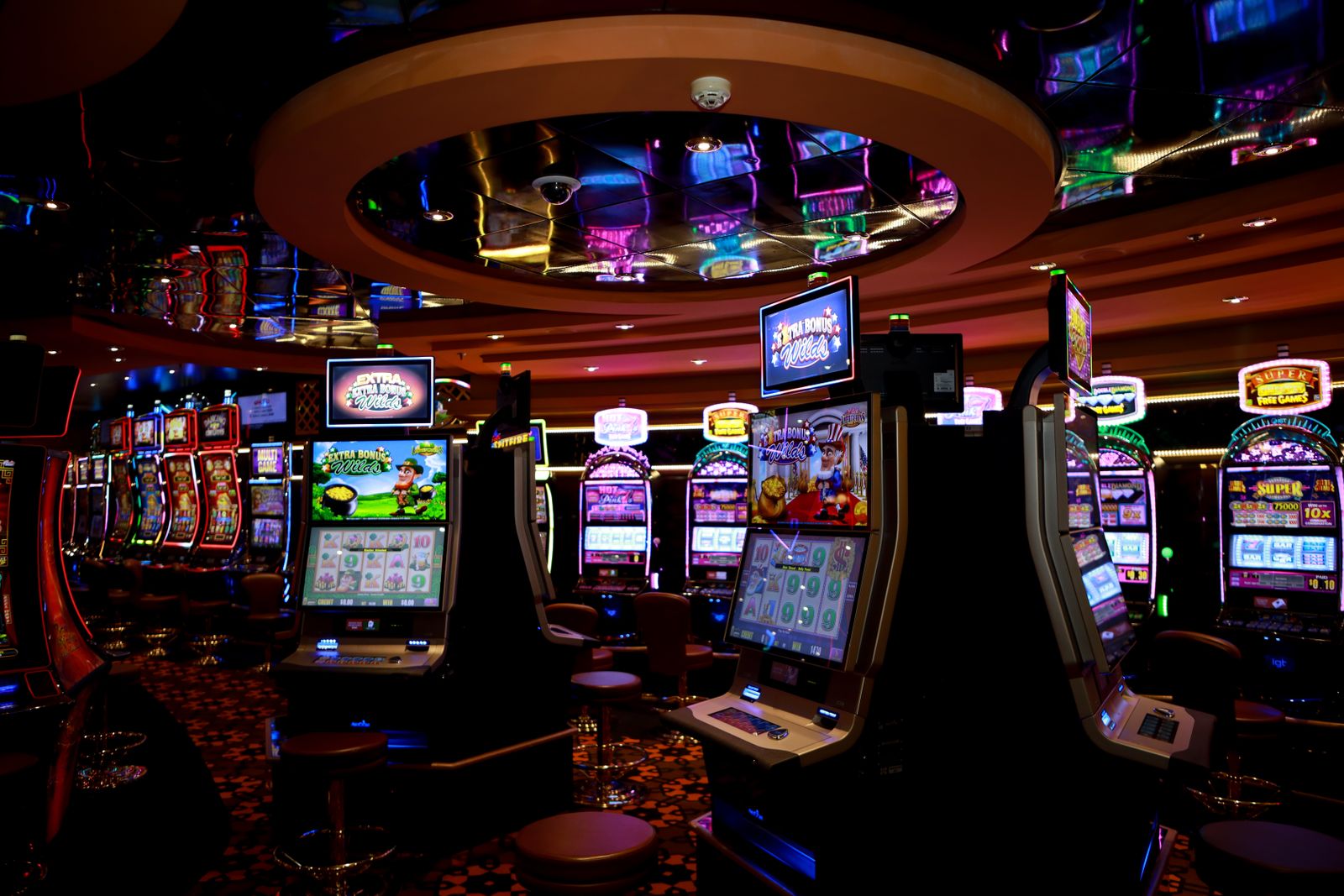
Jackpot totals, promotions, and event schedules that keep the floor feeling alive.
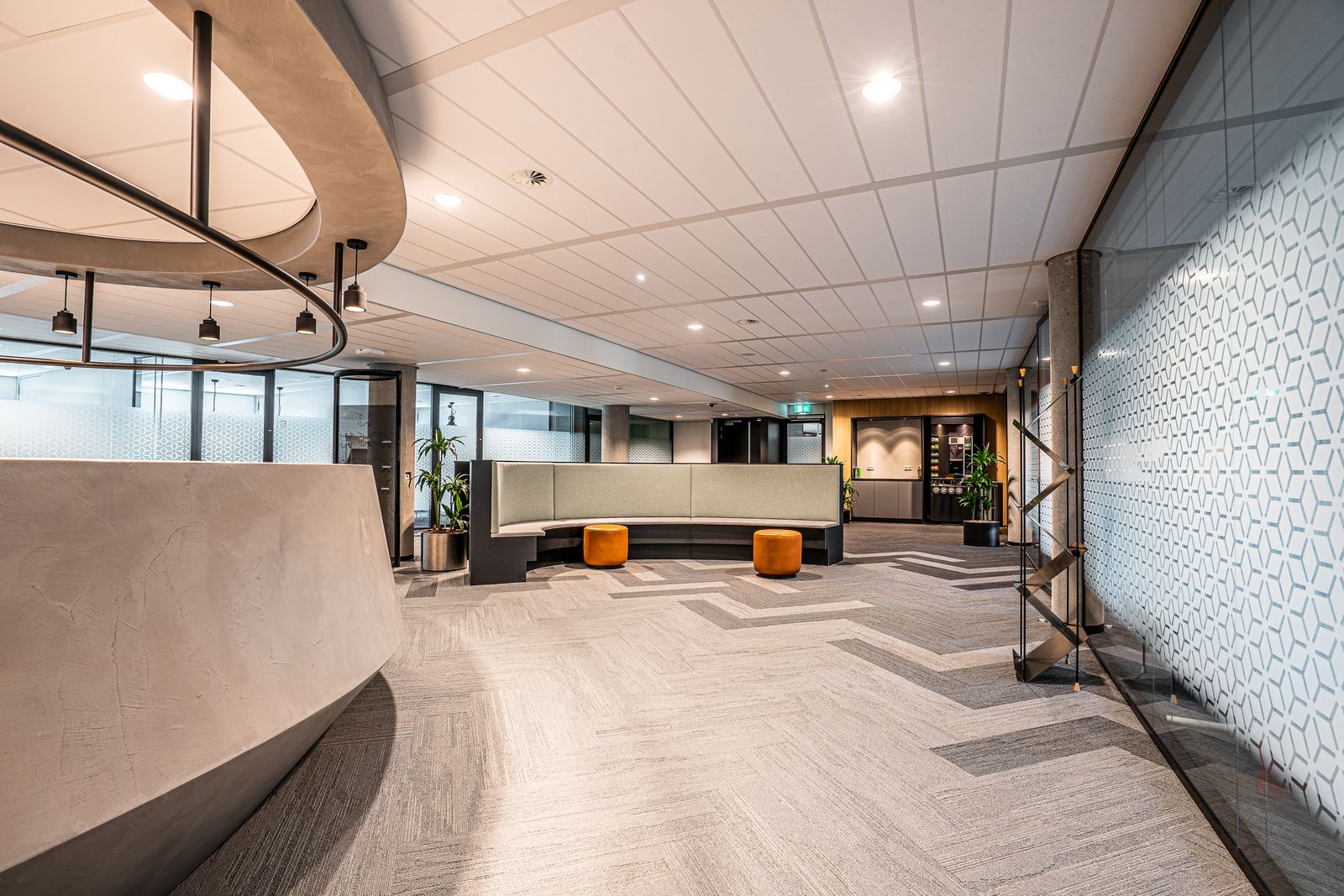
Rates, queue calls, and compliance notices posted the instant they're approved.
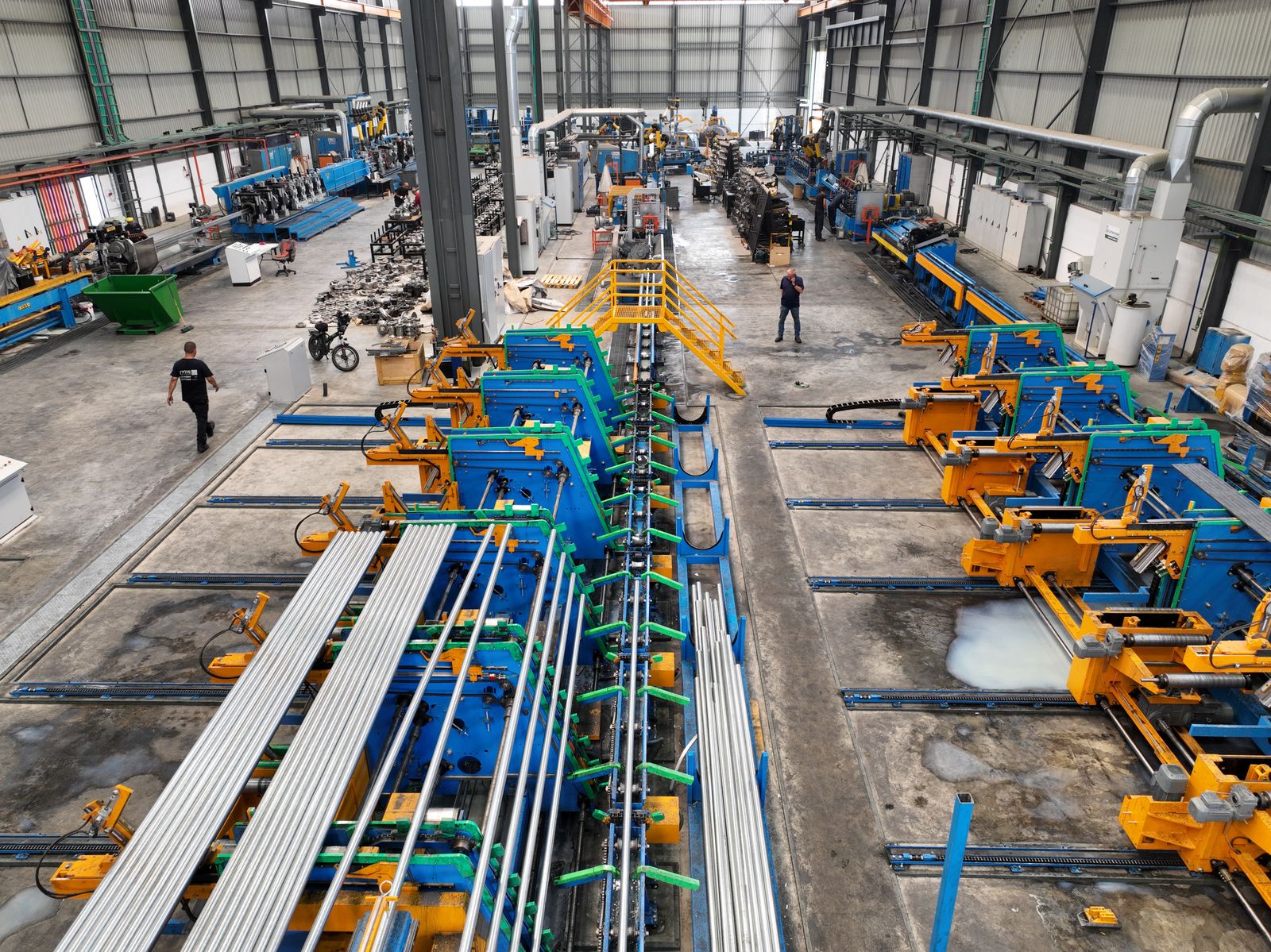
Shift schedules, safety alerts, and production dashboards visible from the floor.
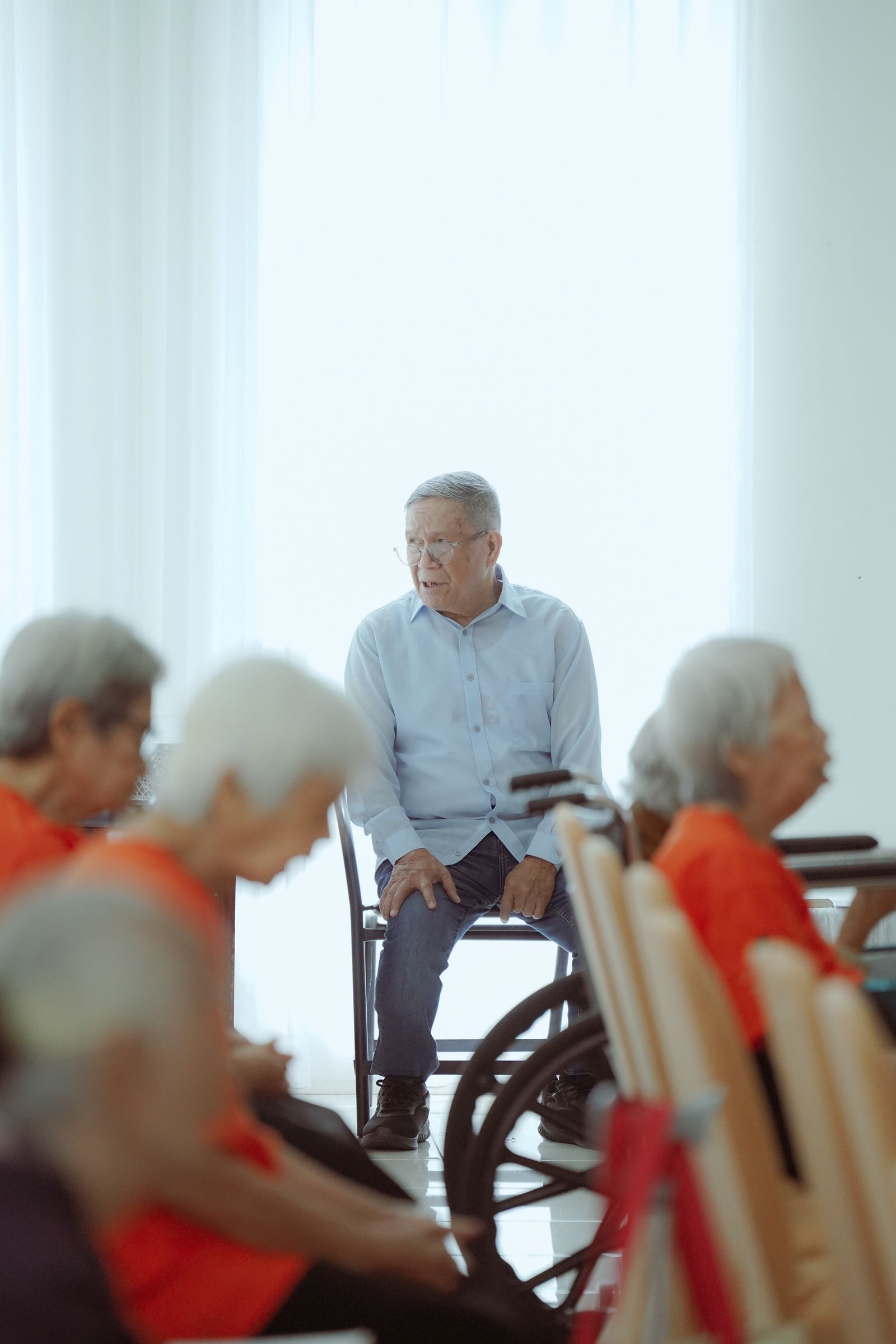
Activity calendars, meal menus, and family-facing updates that keep residents in the loop.

Fuel prices and forecourt promos that update the second the market does.

New arrivals, financing offers, and showroom wayfinding that turn browsers into test drives.
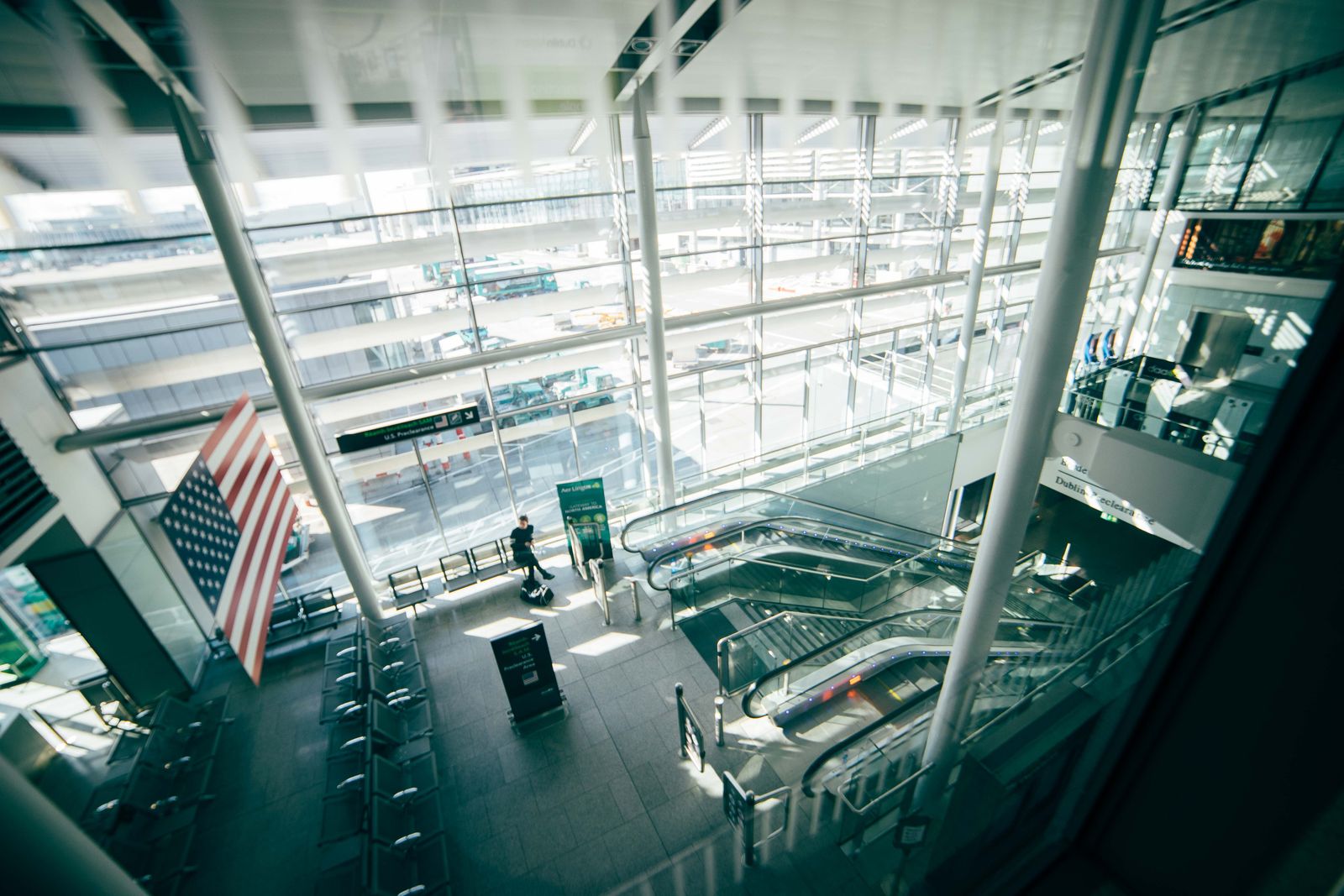
Gate changes, wait times, and wayfinding pushed the instant a flight status updates.
Downtown
Door + 2 interior
Uptown
Door + 2 interior
Airport
Door + 2 interior
Roll out the exact same screen setup to every store (say, one screen at the door and two inside), then run all of it from a single centralized dashboard. Push an update to the whole chain at once, or fine-tune one store at a time, without ever uploading or deleting the same file twice.
Managing more than one franchise brand, hospital network, or business unit? Give each its own organization, with its own stores, screens, and team, all cleanly separated under a single DisplayNyx login.
Downtown Cafe Co.
12 stores · 4 team members
Harbor Dental Group
6 clinics · 9 team members
Riverside Pharmacies
8 stores · 5 team members
Group screens into a grid and play one image or video across all of them. No hardware controller: any screen running the DisplayNyx player can join a wall, and it's managed from the same dashboard as every other screen.
Register each location and screen, then pair the physical display with a single short code, no typing a workspace address on a remote-controlled TV.
Upload media, start from a template, or generate an image with AI, all in one library shared across your workspace.
Assign a playlist to a screen, a store, or a tagged group. Changes land on-screen in seconds, automatically.
Take over any screen in seconds with a styled text announcement, an uploaded audio clip, or a full-screen video. Have text read aloud automatically, or pick up a mic and broadcast your own voice straight to the screen's speaker in real time.
Happy hour starts now
Half off all drafts until 7pm
Windows
macOS
Linux
Android
iOS
Kiosk-mode player apps stay signed in and auto-recover from a dropped connection, built for unattended, public-facing displays. No keyboard on-site? A simple touch pattern quits or signs out the app.
Screens start at $9/mo and the per-screen rate drops automatically as you add more, down to $5/mo at volume. Each tier includes a set number of stores and team members, so you never pay for capacity you don't need.
$9/screen/mo
Starting price: 1 to 10 screens
$5/screen/mo
Our lowest self-serve rate: 101 to 250 screens
2 GB
Cloud storage for media, included free
Start your 7-day trial. No credit card, no commitment.
