The DisplayNyx content management system organizes your media, builds playlists, applies schedules, and adds an approval step when you want one. Non-designers can publish a menu change without asking anyone for help.
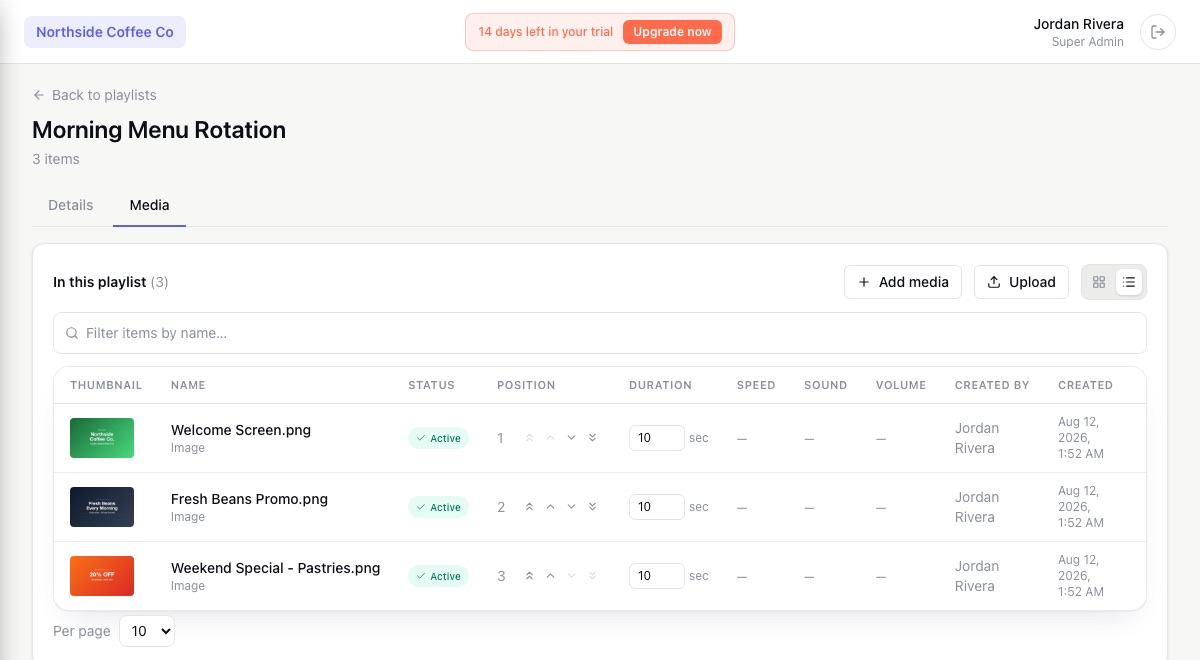
Upload images and videos into folders, tag them, filter by screen, location, or date, and reuse the same file across as many screens as you like without re-uploading.
Start from a menu board, offer, or wayfinding template and edit the text like a form. The finished slide plays like any other image, in your brand's fonts and colors.
Group media into reusable playlists, or build a sequence straight on a screen or zone. Reorder, set durations and transitions, and schedule any item by day, hour, or date range.
Require an approver before uploaded or AI-generated media can go on a screen, and review who changed what and when from the audit log.
Everything an editor, manager, and owner each need from a signage CMS.
Real screenshots from the DisplayNyx dashboard: upload, build a playlist, assign it to a screen, add live widgets.
A digital signage CMS (content management system) is the part of the software where you upload, organize, schedule, and publish what your screens display. DisplayNyx includes the CMS and the player app together, so there is nothing to stitch together.
No. Templates for menus, offers, and wayfinding let you change text and pick colors like filling in a form, and AI image generation can produce artwork from a short description.
Yes. Role-based access limits who can upload, edit, and publish, an approval workflow can hold new media until an approver signs off, and every change is recorded in the audit log.
Yes. Schedules can be set per location, so the same file can play all day at one store and only at lunchtime at another.
DisplayNyx is a cloud digital signage platform: upload media or start from a template, schedule what plays where, and publish to one screen or hundreds in seconds. The player runs on the Windows, macOS, and Linux devices you already own.
The DisplayNyx player is a full-screen kiosk app for Windows, macOS, and Linux. Pair it to your workspace with a short code and it plays your content, keeps playing if the network drops, and restarts itself if it ever crashes.
Describe the promotion and DisplayNyx generates the artwork inside the same dashboard where you schedule and publish it. AI removes the blank-page problem; the platform handles getting it to every screen.
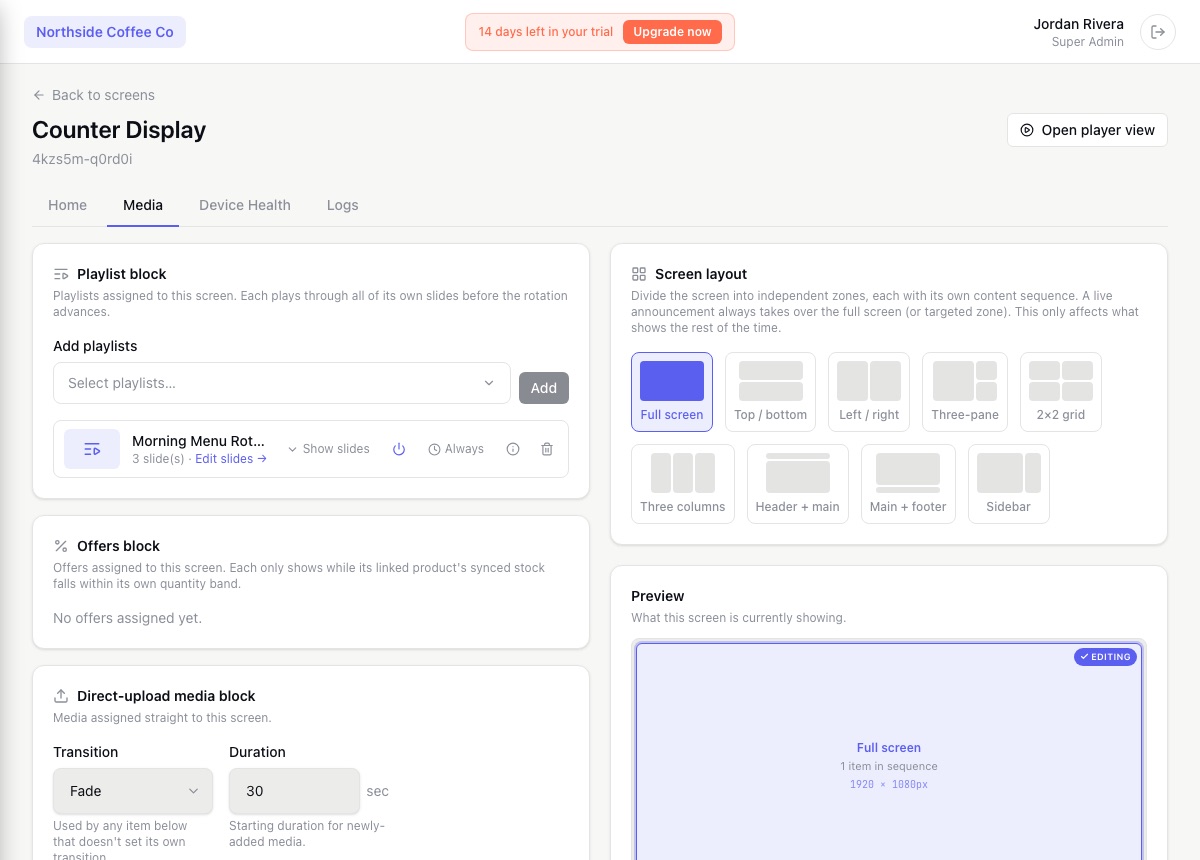
Know which screens are online, what each one is playing, and who changed it. DisplayNyx gives operations teams monitoring, alerts, remote controls, and access control across every store, site, and screen.
Give head office full control of what every location can show, hand each franchisee exactly the access they need, and push a brand-wide update to every store's screens in seconds, not a phone call to each one.
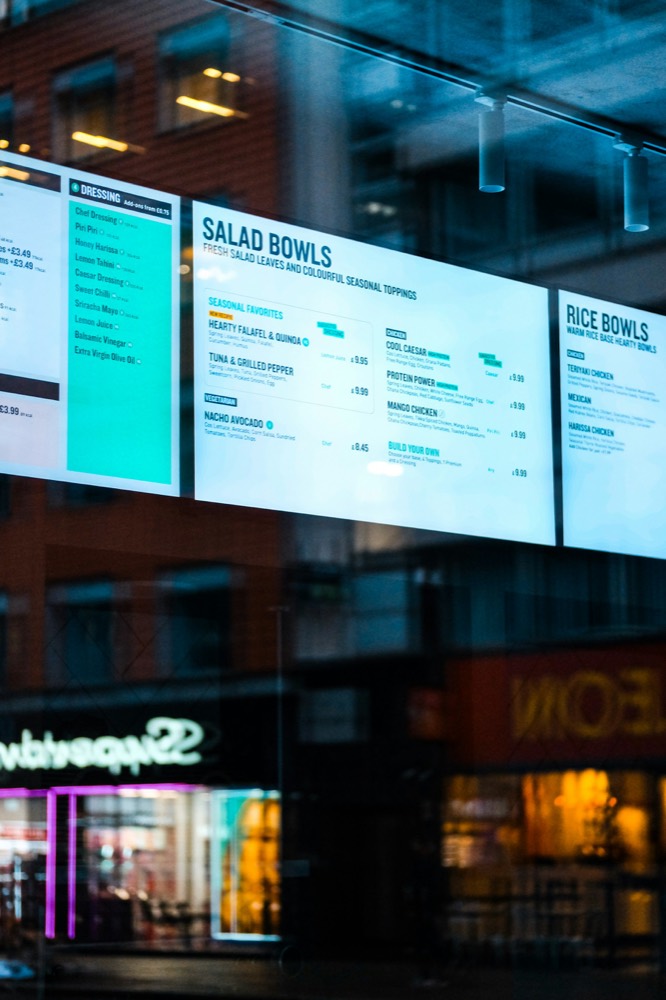
No reprinting, no ladder, no waiting for an overnight sync. Change a price, swap a combo, or switch the whole board for happy hour, and it's live on every screen in seconds.
See every solution · Using another platform today? Compare DisplayNyx with the alternatives
Start your 7-day trial. No credit card, no commitment.
