The DisplayNyx player is a full-screen kiosk app for Windows, macOS, and Linux. Pair it to your workspace with a short code and it plays your content, keeps playing if the network drops, and restarts itself if it ever crashes.
Install the app on a Windows, macOS, or Linux computer or mini PC that is already connected to the screen. An Android version is on the way.
Generate a short pairing code in the dashboard, type it into the player, and the screen is connected. There is no per-device configuration file to edit.
The player caches your playlist and downloads its media to disk, so if the connection drops it keeps replaying the last good content instead of showing broken images.
It runs full screen with no menu bar, hides the cursor when idle, and a watchdog relaunches the player automatically if it exits unexpectedly.
The details that matter when nobody is standing next to the screen.
Real screenshots from the DisplayNyx dashboard: upload, build a playlist, assign it to a screen, add live widgets.
Any Windows 10 or later (64-bit) PC, any Mac running macOS 12 or later, or a 64-bit Linux machine. The Android app is coming soon; check the download page for the current status.
Yes. The player stores the last playlist and its media on the device, so it keeps playing that content during an outage and refreshes as soon as the connection returns.
The player runs in kiosk mode with no visible menu, and quitting or signing out needs either a keyboard shortcut or a hidden touch or mouse gesture you configure for your workspace.
No. Any computer or mini PC that can run the app and connect to the screen works, which keeps hardware costs down.
DisplayNyx is a cloud digital signage platform: upload media or start from a template, schedule what plays where, and publish to one screen or hundreds in seconds. The player runs on the Windows, macOS, and Linux devices you already own.
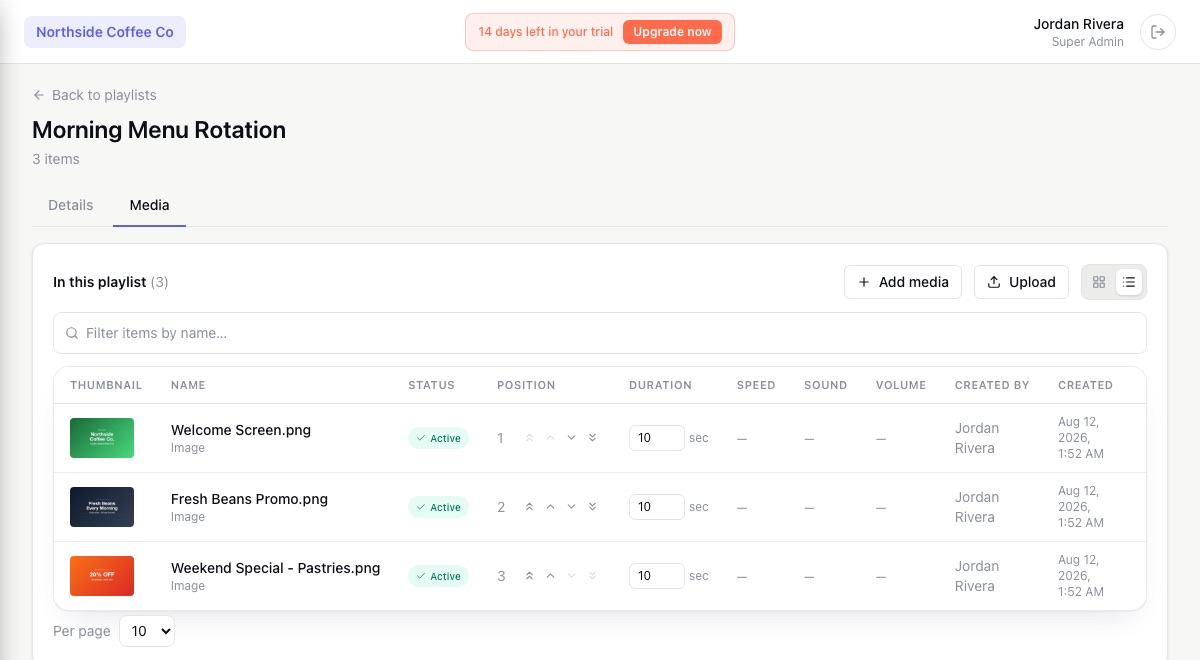
The DisplayNyx content management system organizes your media, builds playlists, applies schedules, and adds an approval step when you want one. Non-designers can publish a menu change without asking anyone for help.
Describe the promotion and DisplayNyx generates the artwork inside the same dashboard where you schedule and publish it. AI removes the blank-page problem; the platform handles getting it to every screen.
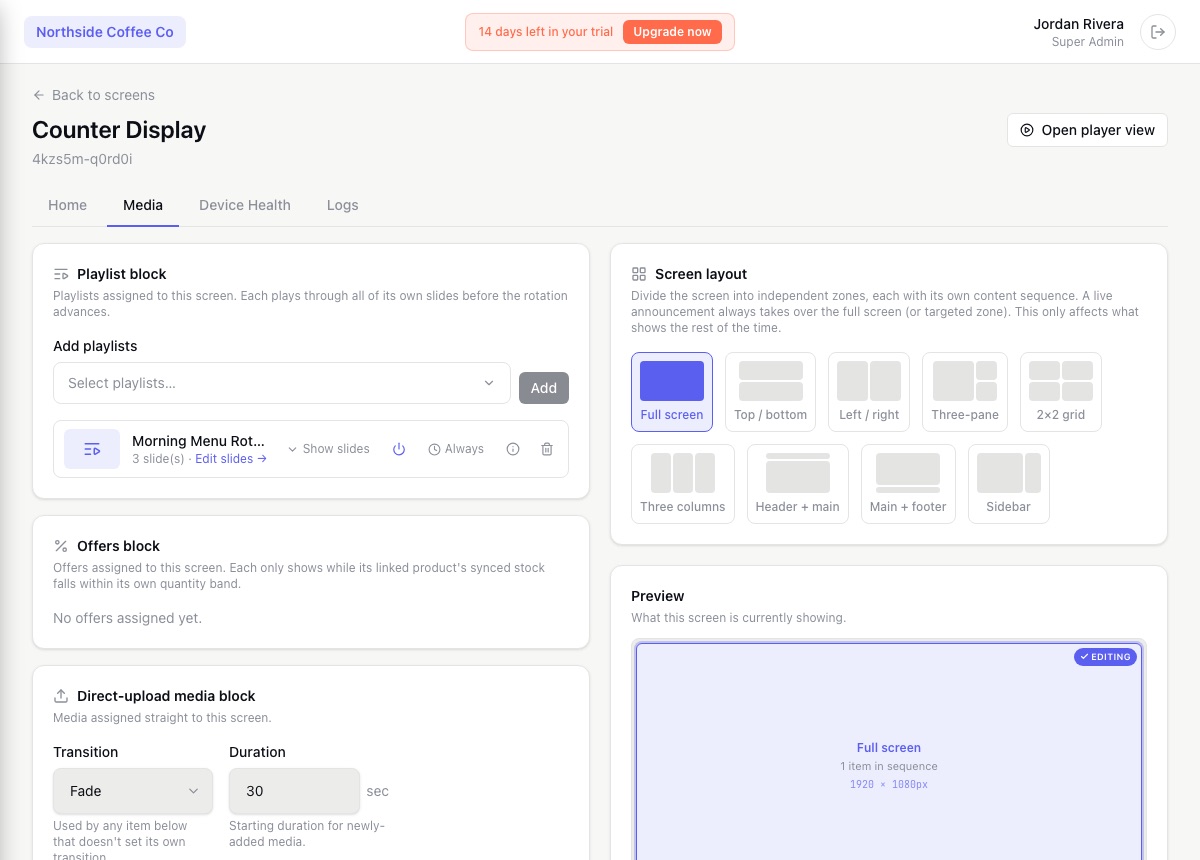
Know which screens are online, what each one is playing, and who changed it. DisplayNyx gives operations teams monitoring, alerts, remote controls, and access control across every store, site, and screen.
Give head office full control of what every location can show, hand each franchisee exactly the access they need, and push a brand-wide update to every store's screens in seconds, not a phone call to each one.
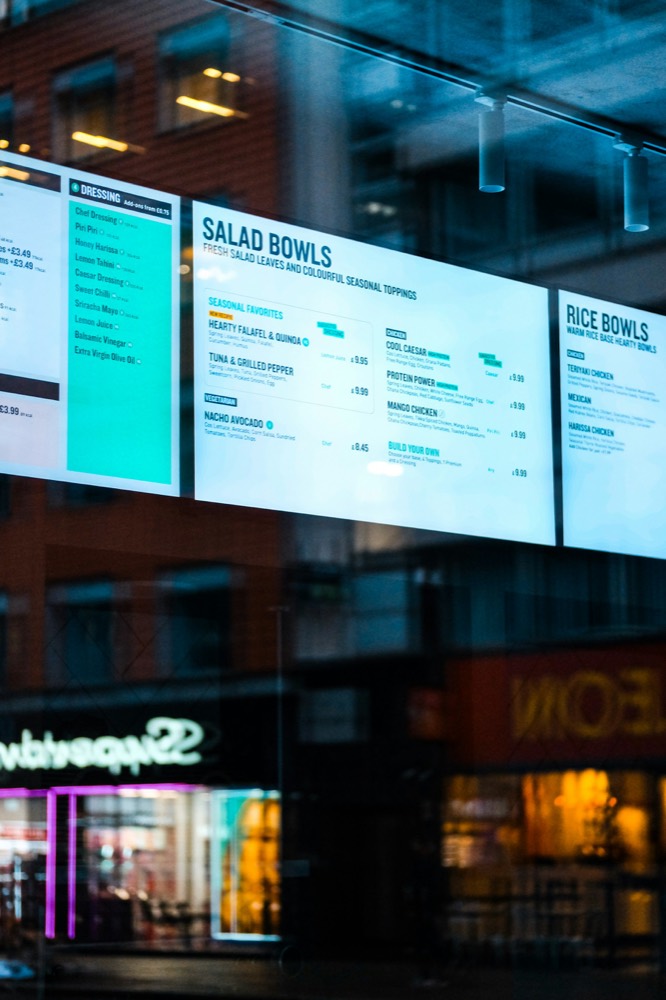
No reprinting, no ladder, no waiting for an overnight sync. Change a price, swap a combo, or switch the whole board for happy hour, and it's live on every screen in seconds.
See every solution · Using another platform today? Compare DisplayNyx with the alternatives
Start your 7-day trial. No credit card, no commitment.
