A fair look at what Xibo is known for, where DisplayNyx is different, and how to test DisplayNyx on a real screen before you switch.
Xibo is an open-source digital signage CMS available as a self-hosted server or a hosted CMS tier, popular with IT teams that want to run their own infrastructure.
For Xibo's current features, hardware support, and pricing, see Xibo's own website.
A cloud digital signage software platform with AI content generation, video walls without a controller, live voice and text-to-speech announcements, and multi-location management. Pay as you go from $5 to $9 per screen per month, with a 7-day free trial and no credit card.
Capabilities that are built in rather than sold as add-ons.
The player app keeps a live connection to your dashboard - publish a change and it's on every assigned screen in seconds, no scheduled sync or reboot.
Generate an on-brand promo image or a line of menu copy in seconds instead of opening a design tool for every banner.
See which screens are online, offline, or overdue for a heartbeat from one dashboard, so a dead screen gets caught before a customer notices.
Give a store manager upload rights without handing them your whole account, and see exactly who changed what, with optional MFA on top.
Every plan, no add-on packs to negotiate for.
It depends on what you need. Xibo is an open-source digital signage CMS available as a self-hosted server or a hosted CMS tier, popular with IT teams that want to run their own infrastructure. DisplayNyx is built for teams that want AI-assisted content, video walls without a controller, live voice announcements, and multi-location management with transparent pay-as-you-go pricing. Try both against your own screens; DisplayNyx has a 7-day free trial with no credit card.
No. DisplayNyx is fully hosted, each tenant gets its own isolated database, and we handle uptime, backups, and updates, so there's no server for your team to patch or babysit.
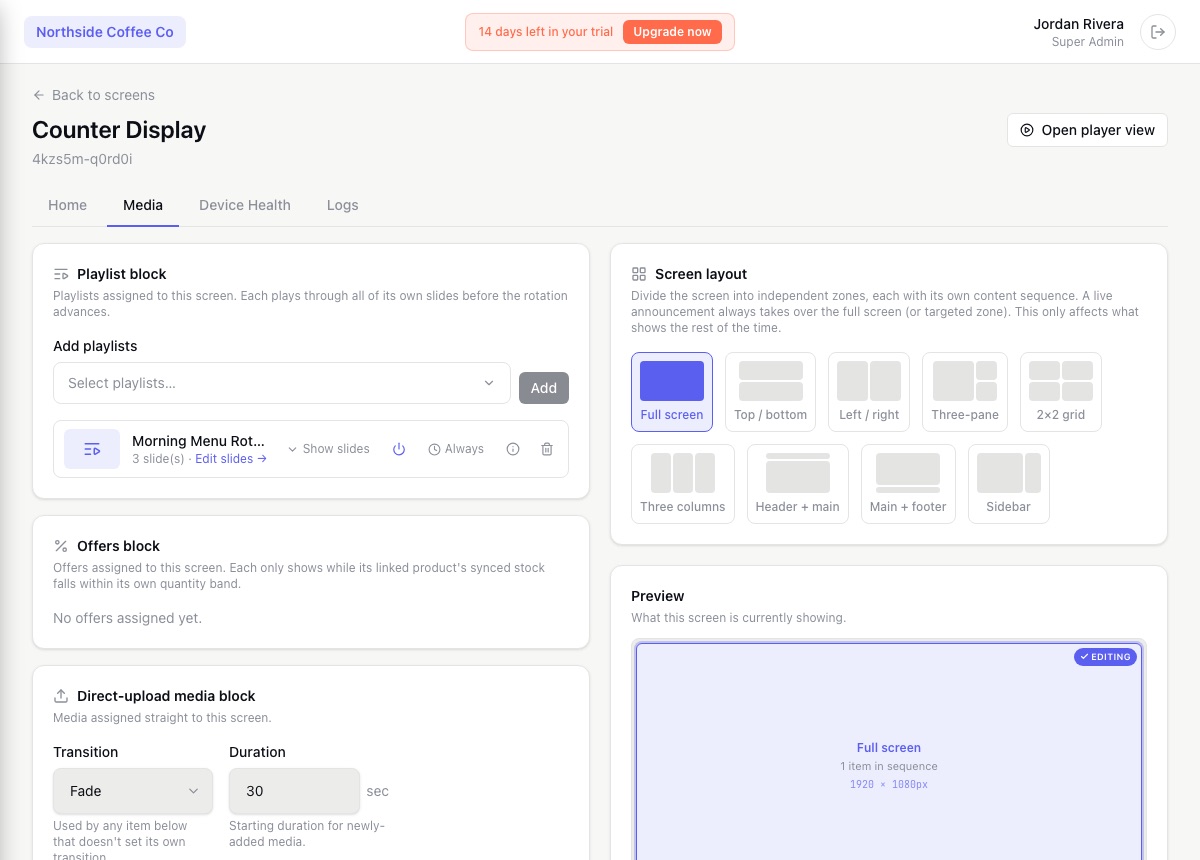
Yes, per-zone layouts, dayparting schedules, and recurrence rules are all built in, without needing to touch a config file or write a layout XML by hand.
Yes, content approval workflows and a full audit trail are included, useful for teams that came from a self-hosted setup with strict change control.
Xibo is a trademark of its respective owner. DisplayNyx is not affiliated with, endorsed by, or sponsored by Xibo. This page compares publicly available product positioning to help you choose the right tool; check Xibo's own site for its current details.
