A fair look at what ScreenCloud is known for, where DisplayNyx is different, and how to test DisplayNyx on a real screen before you switch.
ScreenCloud is a SaaS digital signage platform with a large third-party app marketplace, widely used for corporate communications and office dashboards alongside retail and hospitality deployments.
For ScreenCloud's current features, hardware support, and pricing, see ScreenCloud's own website.
A cloud digital signage software platform with AI content generation, video walls without a controller, live voice and text-to-speech announcements, and multi-location management. Pay as you go from $5 to $9 per screen per month, with a 7-day free trial and no credit card.
Capabilities that are built in rather than sold as add-ons.
One graduated per-screen rate that gets cheaper as you add screens, published on our pricing page, no sales call required to see a number.
Generate an on-brand promo image or a line of menu copy in seconds instead of opening a design tool for every banner.
Turn 2 to 64 screens into one synchronized, bezel-compensated video wall using the screens and player hardware you already have.
Group locations by brand or region under one Organization, and give each store manager exactly the access they need, nothing more.
Every plan, no add-on packs to negotiate for.
It depends on what you need. ScreenCloud is a SaaS digital signage platform with a large third-party app marketplace, widely used for corporate communications and office dashboards alongside retail and hospitality deployments. DisplayNyx is built for teams that want AI-assisted content, video walls without a controller, live voice announcements, and multi-location management with transparent pay-as-you-go pricing. Try both against your own screens; DisplayNyx has a 7-day free trial with no credit card.
No. Every tier's price, screen limit, and feature list is published on our pricing page, and the calculator there shows your exact monthly cost for your screen count before you sign up.
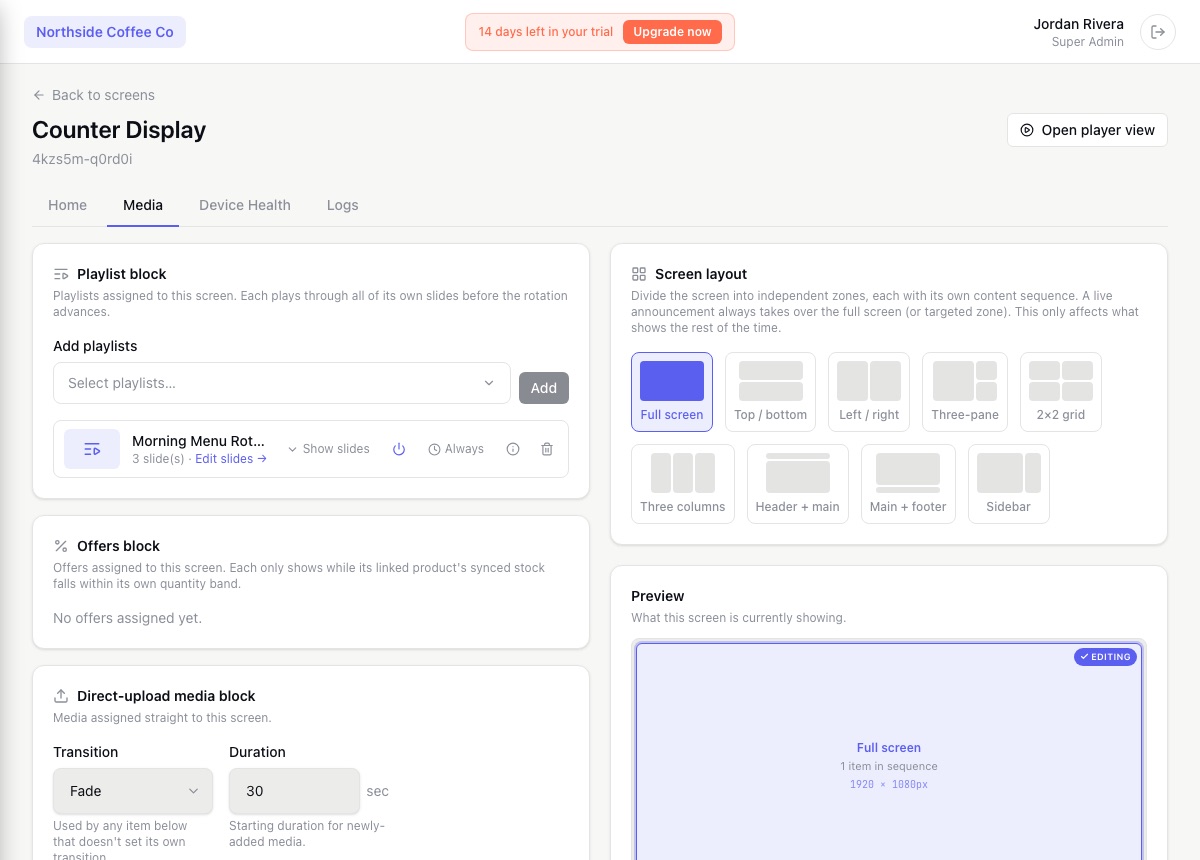
Yes, layouts can split a screen into independent zones, each running its own content, alongside full-screen playback for menu boards and promos.
Yes, 7 days, no credit card required.
ScreenCloud is a trademark of its respective owner. DisplayNyx is not affiliated with, endorsed by, or sponsored by ScreenCloud. This page compares publicly available product positioning to help you choose the right tool; check ScreenCloud's own site for its current details.
